Bambu Lab A1 vs P1S vs X1C: Which Printer Fits Your Needs
Affiliate disclosure: Some links on this page are affiliate links. If you buy through them we earn a small commission at no extra cost to you. Recommendations are research-driven; we don't claim personal use of every product reviewed. Product prices and availability are accurate as of the date published and are subject to change. Always check Amazon for current pricing before purchasing. Learn more.
Bambu Lab’s current FDM lineup covers a wide range of builders, from compact desktop setups to enclosed, multi-material workhorses, but the A1, P1S, and X1C occupy meaningfully different positions. Choosing between them isn’t just a budget question. It’s a question of build volume, enclosure, multi-color ambition, and how much friction you’re willing to tolerate in daily operation. The full range of options worth knowing is covered on the FDM Printers hub.
Spec sheets and owner consensus point to the same conclusion: these three machines share Bambu Lab’s core speed and calibration DNA, but diverge sharply on where they’re built to perform. The sections below break down what those differences actually mean for a buyer making a decision today.
What to Look For in a Bambu Lab Printer
Build Volume and Form Factor
Build volume sets hard limits on what a printer can produce. The A1 offers a larger footprint than the A1 Mini, which makes it the better choice for single-print functional parts and larger decorative models. The A1 Mini’s smaller volume is a genuine constraint, not a minor one, for anyone printing enclosures, cosplay pieces, or anything that pushes 180mm on any axis.
Form factor matters beyond volume. The A1 and A1 Mini are both open-frame machines, which means ambient temperature swings affect print consistency more than they would on an enclosed machine. For PLA and PETG, this is rarely a problem. For ABS, ASA, or high-temp materials, it’s a significant limitation worth factoring in at the decision stage.
AMS vs AMS Lite, Multi-Color Architecture
Both the A1 Combo and A1 Mini Combo include a multi-material unit, but they are not equivalent. The A1 Combo ships with the full AMS system, which supports up to four filament spools and handles material switching with a more robust buffer mechanism. The A1 Mini Combo ships with AMS lite, a stripped-down version that supports four colors but uses a simpler filament path.
Owner reports on r/3Dprinting consistently flag AMS lite as more prone to jams on slippery filaments, silk PLA and TPU in particular. For straightforward multi-color PLA work, the difference is smaller. For anyone planning to run a wide variety of filament types in multi-color mode, the full AMS is the more reliable system based on long-term owner threads.
Auto-Calibration and First-Layer Reliability
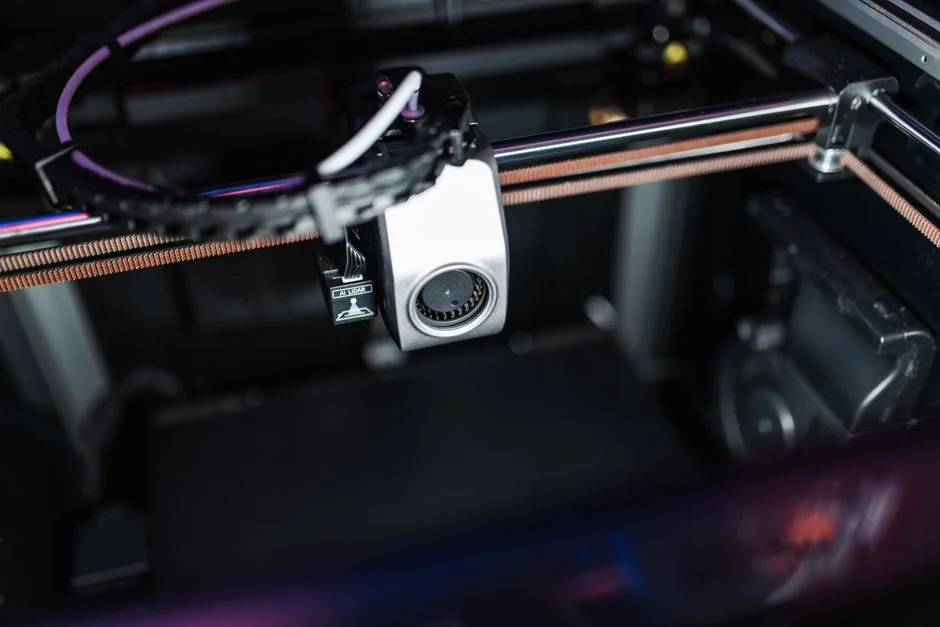
Both machines include Bambu Lab’s full-auto calibration suite, vibration compensation, flow rate calibration, and automatic bed leveling via a lidar-assisted first-layer scan on the X1C, and a force-based approach on the A1 series. The practical result for owners is that first layers land correctly far more often than on printers requiring manual tramming.
Owner consensus is that the A1 series calibration is highly reliable for PLA and PETG but benefits from manual flow adjustments when running exotic filaments. The calibration removes most of the friction for beginners, which is a real advantage, but it doesn’t eliminate all tuning entirely. Knowing that going in sets appropriate expectations.
Speed and Practical Print Times
Bambu Lab’s published speed figures are real in the sense that the hardware can sustain them, but practical print times depend on the geometry. Complex multi-color prints with many tool changes slow down significantly relative to single-color prints at the same speed setting. Owners running the A1 for functional single-color parts report strong consistency at high speeds. Those running dense multi-color prints report that the tool-change overhead is the dominant time factor, not the motion system.
Speed is where this lineup earns its reputation among FDM Printers on the market today. Compared to budget-tier machines from other brands, the A1 and A1 Mini deliver meaningfully faster prints without requiring significant profile tuning.
Build Plate Compatibility and Surface Options
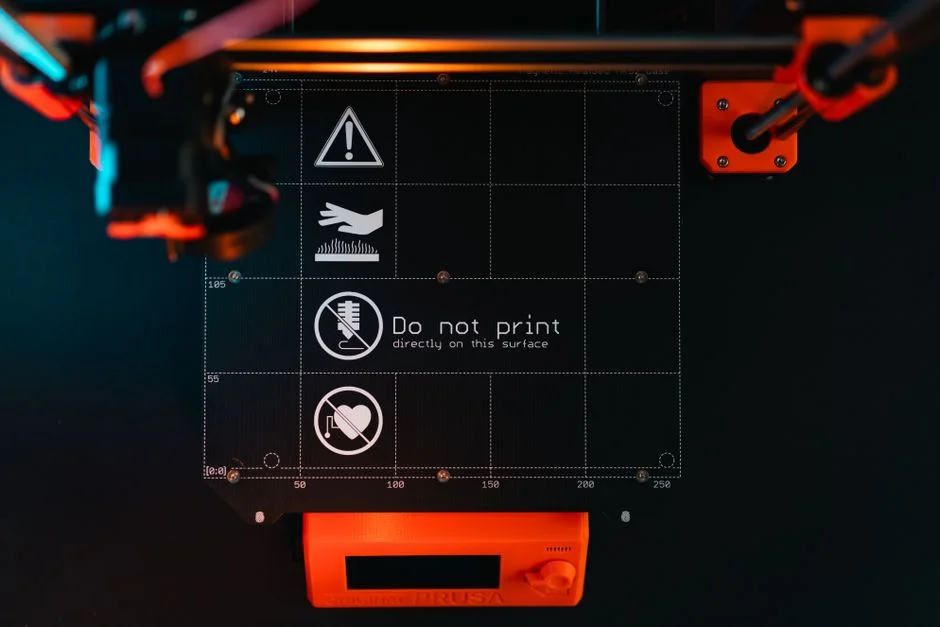
Both A1 variants ship with a textured PEI build plate that handles PLA and PETG adhesion well without glue or hairspray. The textured surface leaves a matte finish on the first layer. Owners who want a smoother bottom surface typically add a second plate, either Bambu Lab’s cool plate or a compatible third-party PEI sheet.
Third-party build plates expand surface options and add value if you run multiple printers or want a dedicated plate per filament type. Bambu Lab’s identification code system on official plates allows the printer to recognize the surface type, which the P1S and X1C use for automatic profile switching, a feature worth understanding before buying third-party plates.
Top Picks
Bambu Lab A1 Combo + LED Lamp Kit
The Bambu Lab A1 Combo + LED Lamp Kit is the stronger choice among the two A1 variants for anyone who wants the full multi-color experience without stepping up to the enclosed P1S or X1C architecture. The full AMS system, not AMS lite, is the key differentiator here. Owner reports consistently show fewer jam events and more reliable filament path behavior across a wider range of materials compared to the lite version.
The LED lamp kit is a minor addition in practical terms. It improves visibility during print monitoring, which is useful for time-lapses and for catching layer failures on detailed multi-color prints before they waste filament. It’s not a reason to choose this bundle, but it’s not filler either, owners running the printer in a dim workshop report that it’s more useful than expected.
Build volume on the A1 is the meaningful upgrade over the Mini. Spec sheets show a 256 × 256 × 256mm print volume, which covers the majority of functional and artistic prints. For multi-color prints specifically, the larger bed means more model complexity is achievable in a single run. Owner consensus on r/3Dprinting positions this as the practical mid-range Bambu pick for makers who want real multi-color capability without enclosure requirements.
Check current price on Amazon.
Bambu Lab A1 Mini Combo
The Bambu Lab A1 Mini Combo serves a specific buyer well: someone who wants Bambu Lab’s multi-color architecture in a smaller footprint, primarily for PLA work, and doesn’t need the full AMS system’s material range. The 180 × 180 × 180mm build volume is a real constraint. Owners who underestimate it tend to find themselves splitting prints that would fit on the A1 in a single run.
AMS lite performs reliably for standard multi-color PLA prints, which covers most of what this machine’s buyer base is doing. The filament path is simpler, and for straightforward four-color PLA work, the jam rate owners report is acceptable. The problems emerge at the edges, silk filaments, TPU, anything with a slippery or soft surface. For those use cases, spec sheets and owner forum consensus both point toward the full AMS as the safer choice.
The Mini’s value case is strongest for desk setups where space is a genuine constraint, or for a second machine dedicated to smaller multi-color parts while a larger printer handles functional single-color work. As a primary printer for a serious maker, the build volume limitation is difficult to work around.
Check current price on Amazon.
Upgraded 2-Pack Compatible PEI Build Plates
The Upgraded 2-Pack Compatible PEI Build Plates address a real operational need for anyone running Bambu Lab hardware across multiple machines or filament types. Compatibility with eight Bambu Lab models, including both A1 variants, the P1S, P1P, and X1C, makes these practical for shops running more than one machine. Having a dedicated plate per filament type removes the swapping and cleaning cycle that slows down production workflows.
The identification code on compatible plates is worth understanding before purchase. On the X1C and P1S, the printer reads the plate type and adjusts temperature and adhesion profiles automatically. Third-party plates with identification codes replicate this behavior. Plates without them require manual profile selection in Bambu Studio. Owner reports on the identification-coded third-party plates are generally positive, the auto-switching works as intended for PLA and PETG.
PEI surface maintenance is straightforward: isopropyl alcohol wipe-down between sessions, periodic deep clean with dish soap for adhesion issues. Owners who skip cleaning cycles report adhesion degradation faster than those who maintain a consistent cleaning routine. The two-pack quantity makes sense for anyone running multi-material workflows where a clean, dedicated surface per material type improves first-layer reliability.
Check current price on Amazon.
Buying Guide
Choosing Based on Build Volume Requirements
Build volume is the non-negotiable starting point. The A1 Mini’s 180mm cube is adequate for small figurines, phone stands, and tabletop game pieces. It is not adequate for helmet components, large enclosures, or anything approaching a full-size functional part. Before settling on the Mini on price grounds, measure your most common print geometries. If they fit in 180mm, the Mini works. If they don’t, the A1 is the minimum.
The A1’s 256mm cube covers the vast majority of hobby and maker print jobs. For builds that consistently push beyond that, the X1C’s volume enters the conversation, but at a higher tier.
Full AMS vs AMS Lite, Deciding Before You Buy
The multi-color system choice matters more than it might appear on the spec sheet. AMS lite is capable for PLA multi-color work. It is less capable for slippery filaments, TPU, or aggressive purge tower configurations. If the plan is to run four-color PLA prints regularly, AMS lite performs the job. If the plan involves varied filament types in multi-color mode, the full AMS in the A1 Combo is the more durable choice based on owner experience.
Upgrading from AMS lite to a full AMS later is possible but adds cost. Buying the right system at the start is more economical than retrofitting.
Check current price on Amazon.
Open Frame vs Enclosed Architecture
Neither A1 variant has an enclosure. For PLA, PETG, and TPU, this is rarely a problem. For ABS, ASA, nylon, or PC, the open frame is a genuine limitation, temperature consistency during the print affects layer adhesion and warping behavior in ways that are difficult to compensate for through slicer settings alone.
Makers who know they need ABS or ASA should consider whether the A1 series is the right entry point, or whether the enclosed P1S is a better fit. The enclosure is not a luxury feature for those materials, it’s a functional requirement.
Build Plate Strategy for Multi-Printer Setups
Owners running more than one Bambu Lab machine benefit from a dedicated plate strategy. A second PEI plate per machine eliminates the wait for a plate to cool before removing a print and starting the next one. For multi-material workflows, a plate dedicated to each filament type reduces adhesion problems caused by residue from previous materials.
Third-party PEI plates with identification codes maintain the auto-profile-switching behavior on the X1C and P1S. For A1 series printers, which use force-based rather than lidar-based calibration, the identification code benefit is smaller, but the two-pack value proposition still holds for any maker running continuous print cycles. Exploring the full accessory ecosystem through the FDM Printers hub is worth the time before committing to a plate strategy.
Calibration Expectations and Ongoing Tuning
Bambu Lab’s auto-calibration removes the manual tramming and first-layer adjustment cycle that consumes significant time on budget machines. Owner consensus is clear: out-of-box reliability is high, and beginners get good first layers much faster than on most competitors.
That said, calibration does not replace all tuning. Flow rate adjustments for specific filament brands, pressure advance fine-tuning for high-speed corners, and temperature tower tests for unfamiliar materials still produce better results than relying on factory profiles alone. The machines make tuning easier and less necessary, not unnecessary.
Frequently Asked Questions
Is the A1 Combo or A1 Mini Combo better for a first multi-color printer?
Owner consensus on r/3Dprinting points toward the A1 Combo as the stronger first multi-color machine for most buyers. The full AMS handles a wider range of filament types with fewer jam events than AMS lite, and the larger 256mm build volume removes a constraint that Mini owners frequently hit sooner than expected. The Mini is the right choice when desk space is a hard limit, not a preference.
What is the practical difference between AMS and AMS lite?
The full AMS uses a more robust buffer and filament path mechanism that handles slippery and flexible filaments more reliably. AMS lite is lighter, simpler, and adequate for standard PLA multi-color work. For four-color PLA prints, the difference is small in practice. For silk PLA, TPU, or mixed-material multi-color setups, owner reports consistently favor the full AMS for reliability and lower jam frequency.
Can third-party PEI build plates replace Bambu Lab’s official plates?
Third-party PEI plates with identification codes work well on X1C and P1S printers, maintaining the automatic profile-switching behavior. On A1 series machines, the identification code is less critical because the calibration system is force-based rather than lidar-assisted. The Upgraded 2-Pack Compatible PEI Build Plates cover eight Bambu Lab models and are a practical replacement for owners who want a spare plate without the official price premium.
Do the A1 and A1 Mini require an enclosure for good print results?
For PLA, PETG, and most TPU, no enclosure is needed. Both machines produce consistent results in typical room-temperature environments. ABS and ASA are the exception, those materials benefit significantly from an enclosed print environment to prevent warping and layer delamination. Makers who plan to print ABS or ASA regularly should evaluate the enclosed P1S before committing to an open-frame A1 variant.
How difficult is ongoing maintenance on the A1 series?
Owner reports describe the A1 series as low-maintenance relative to open-source or budget-tier alternatives. The auto-calibration routine handles most alignment drift automatically. The main routine tasks are cleaning the build plate between sessions, lubricating the linear rods periodically, and monitoring the AMS filament path for debris. The full AMS requires slightly more attention to filament path cleanliness than AMS lite due to its longer buffer mechanism.
Where to Buy
Bambu Lab A1 Combo + LED Lamp Kit, Support Multi-Color 3D Printing, High Speed & Precision, Full-Auto Calibration &See Bambu Lab A1 Combo + LED Lamp Kit, Su… on Amazon